iLovePDF Alternative: Becoderr, Free and Private in Your Browser
Looking for an iLovePDF alternative? Becoderr merges, compresses, converts and signs PDFs right in your browser, with no upload, no account and no watermark. An honest comparison.
Why people compare Becoderr and iLovePDF
If you work with PDFs online, iLovePDF is probably the first name you meet. It is one of the most popular PDF suites on the web, and it has earned that reputation. Becoderr solves many of the same problems, but in a different way, so this is an honest look at how the two compare and when each one makes sense.
What iLovePDF does well
Credit where it is due. iLovePDF is polished, reliable and broad. It offers strong OCR, PDF editing and a long list of conversions, along with dedicated mobile and desktop apps. If you live inside PDFs all day and need heavy OCR or advanced editing, it is a genuinely excellent product with years of refinement behind it. It runs on a freemium model: a capable free tier, and a paid Premium plan that lifts the limits.
The core difference: where your files are processed
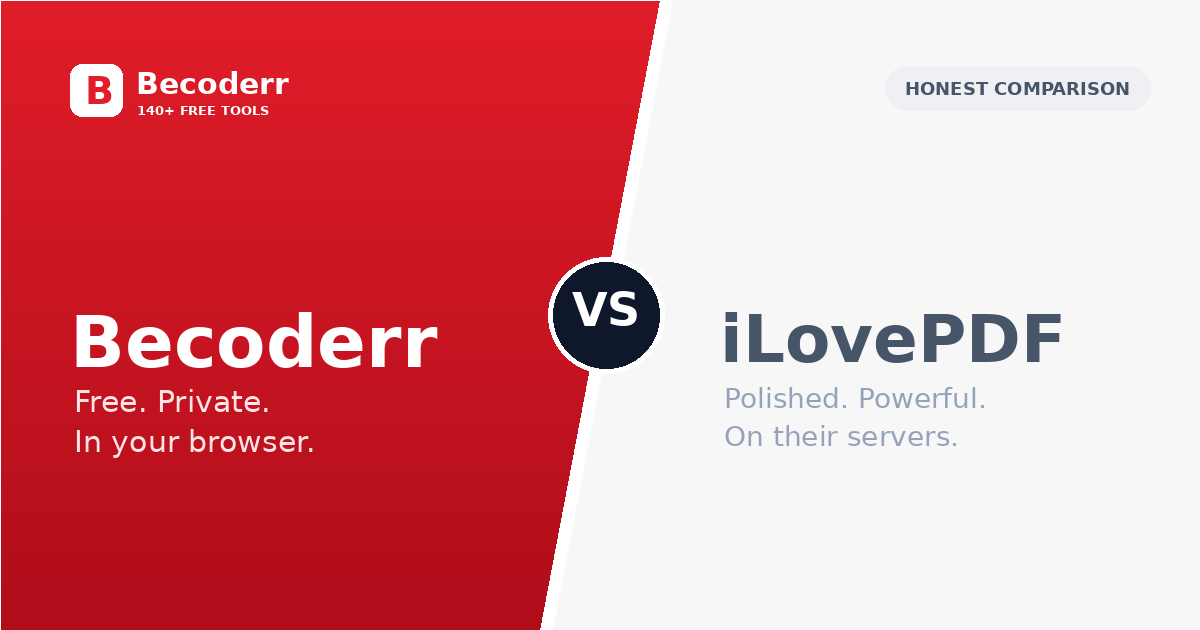
This is the distinction that matters most. iLovePDF is a server based service, so your file is uploaded to its servers, processed there and sent back. The company deletes files after a while, which is standard, but a copy of your document still leaves your computer. Becoderr takes the opposite approach: the heavy tools run entirely in your browser, so the file is processed on your own device and is never uploaded. You can prove it by opening a tool, turning off your Wi-Fi, and watching it still work. For a holiday photo that difference does not matter. For a contract, an ID scan or a medical record, processing on your own device is a very different level of comfort.
Free, with no account and no watermark
iLovePDF is free to start, with limits, and asks you to sign in or upgrade for the heavier tasks. Becoderr is simply free. There is no account, no watermark and no upgrade prompt, and signing in only raises the size limit on the few tools that do run on a server. For quick, occasional jobs, that lack of friction is the whole point: open the tool, do the thing and leave.
A whole toolkit, not just PDFs
iLovePDF is, by design, focused on PDFs. Becoderr is broader. Alongside the PDF set it includes image tools, developer utilities, calculators and more, over 140 in total, all in one place. So if your day involves a bit of everything, it can replace a folder of bookmarks rather than a single tab. A few of the PDF tools people reach for most are merging, compressing, converting images to PDF, cropping, signing and password protection.
Which should you choose?
Choose iLovePDF if you need advanced OCR across many scanned pages, in depth PDF editing, or dedicated mobile and desktop apps with sync. Its feature depth and track record are real advantages. Choose Becoderr if privacy is a priority and you would rather your files never leave your device, if you want a genuinely free tool with no account and no watermark, or if you want a single site that also handles images and other quick jobs. Both are good. The right pick simply depends on what you value most: maximum features, or privacy and zero friction.
Tools mentioned in this article
More from the blog

What Is Becoderr? 140+ Free Online Tools in One Place
Becoderr is a free collection of 140+ online tools for PDFs, images, JSON, text, developers and everyday tasks — private, fast, and no sign-up.

How to Compress Images Without Losing Quality
Reduce image file size by up to 90% while keeping photos crisp. A quick guide to compressing JPG and PNG online, free and private.

How to Convert a PDF to an Editable Word Document
Turn any PDF into an editable .docx you can change in Microsoft Word, free and without sign-up.